Authored by Stephiya Lobo, SAP Digital Manufacturing & Practice, Körber Stellium


A technofunctional, end-to-end walkthrough — from a weighing scale on the shop floor to a work order in S/4HANA — showing Industry 4.0 in operation on the shop floor.
Industry 4.0 is often described in big words: connected factories, smart machines, real-time data. But on the shop floor, it comes down to something much simpler , do people, machines, and systems actually talk to each other, and does that conversation help someone do their job better today? SAP Digital Manufacturing (SAP DM) is one of the platforms built to make that conversation happen. In a process-industry SAP DM implementation, this can be seen directly through the integration of weighing scales, label printers, production processes, and S/4HANA. The following walkthrough shows what Industry 4.0 looks like once it moves from an architecture diagram to a production line — technically, functionally, and operationally
What SAP Digital Manufacturing Actually Does on the Shop Floor
The End-to-End Flow: From Shop Floor Devices and Sensors to S/4HANA
SAP Cloud Integration (CPI): Keeping SAP DM and S/4HANA in Sync
What Connected Manufacturing Looks Like in Practice
Where to Start with Industry 4.0 and SAP DM
What SAP Digital Manufacturing Actually Does on the Shop Floor
SAP Digital Manufacturing is SAP’s cloud-based Manufacturing Execution System (MES), running on SAP Business Technology Platform (BTP). Functionally, it sits between business systems like S/4HANA and the equipment, operators, and processes on the plant floor. Technically, it is best understood through the ISA-95 automation pyramid — the standard model for how business and manufacturing systems integrate:
- Level 4 — Business planning (S/4HANA): orders, BOMs, routings, master data. This is where manufacturing automation is designed centrally and then distributed to plants.
- Level 3 — Manufacturing operations (SAP DM cloud): production orders, work instructions, quality, genealogy, OEE, and the Production Process Designer that models automation sequences.
- Level 2 — Shop floor systems and connectivity middleware (Production Connector): the layer that talks to controllers and devices using industrial protocols.
- Level 0/1 — Physical equipment: PLCs, weighing scales, label printers, sensors, and the machine operators standing in front of them.
SAP DM captures production data as it happens — what was made, how much, by whom, on which line, against which order — and feeds that information back into the business in near real time. For a process industry plant, this matters because production is continuous and variable: batches, tolerances, and corrections are a daily reality, not an edge case. A system that captures and corrects that data as it happens, instead of after the fact, changes how a plant actually operates.
The End-to-End Flow: From Shop floor devices and Sensors to S/4HANA
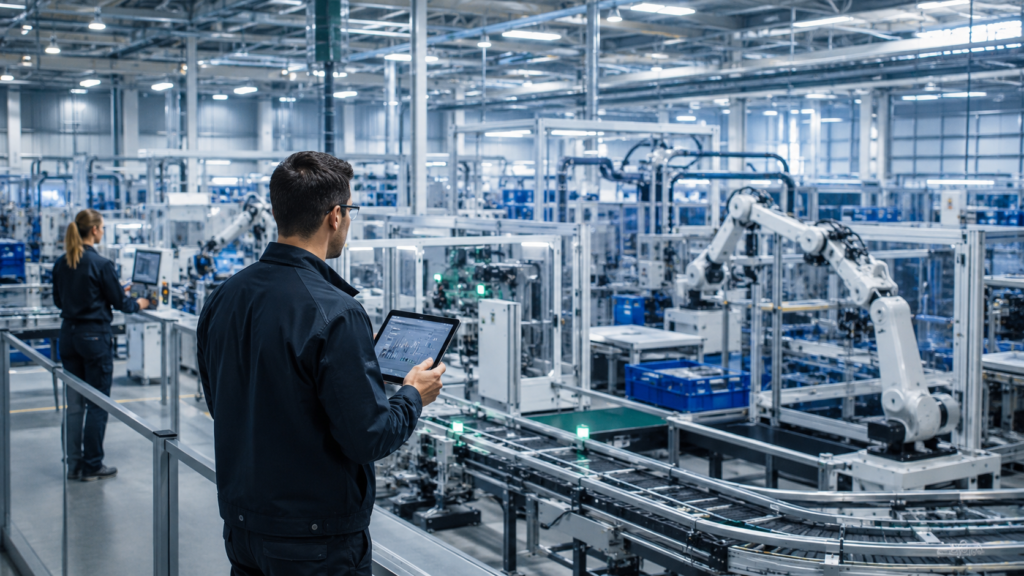
Before going into any one integration, it helps to see the full path a single data point travels — because every use case in this blog is really the same flow, applied to a different piece of equipment:
- 1. Physical device (Level 0/1) — a weighing scale, label printer, or PLC generates a signal or tag value.
- 2. Production Connector agent (Level 2) — an on-premise Windows service running in the plant network reads that tag via a protocol adapter (OPC UA, OPC DA/HDA, MQTT, IP21, PI AF, or REST) and maps it to a modeled indicator.
- 3. Cloud Connector (Level 2 → BTP) — a secure, outbound-only tunnel from the plant network to SAP BTP, so the plant firewall never has to open an inbound port to the internet.
- 4. SAP Digital Manufacturing (Level 3, BTP cloud) — the tag value updates the Machine Asset (the digital twin), which is checked against the running Production Process and the active production order.
- 5. SAP Cloud Integration / CPI (Level 3 ↔ 4) — iFlows synchronize the resulting data — batch quantities, handling units, deviations — with SAP S/4HANA.
- 6. S/4HANA (Level 4) — the business system reflects what actually happened on the floor: goods movements, batch records, and order confirmations, without anyone re-keying a number.
That six-step path is the backbone of every scenario below. What changes from one use case to the next is only which device sits at step 1 and which S/4HANA object sits at step 6.
How SAP Production Connector Connects Machines to SAP DM
The Production Connector (ProdCon) is SAP’s current middleware for machine integration, replacing the older SAP Plant Connectivity (PCo), which SAP is retiring from active maintenance. It is an on-premise .NET application installed in the same network as the shop floor systems it talks to, and it is made up of two pieces:
- Main Service — a Windows service that starts automatically and hosts the cloud services used to configure, operate, and monitor the connector from SAP DM.
- Control Center — the local admin console used to set up the connection to SAP DM, manage authorizations, and troubleshoot agent instances.
Configuration itself does not happen in the Control Center day to day — it happens in the Configure Production Connectivity app inside SAP DM. You model a Machine Asset (the digital twin), define its tags and services, and the corresponding configuration is pushed down to an agent instance on the Production Connector. Each agent instance runs as its own standalone Windows service, so multiple machines or data sources can be integrated independently and monitored individually from the cloud side.
Internally, the Production Connector supports three integration patterns that cover almost everything you will need on a shop floor:
- Query — SAP DM asks the connector for a current tag value on demand.
- Notification — the connector pushes a value to SAP DM the moment it changes at the source, which is what makes near-real-time weighing and status updates possible.
- Orchestration — production processes designed in the Production Process Designer run inside the connector itself, coordinating multiple devices and combining query and notification behavior into one automated sequence.
Authentication between the connector and the cloud uses JSON Web Tokens (JWT) validated on the connector side, with certificate-based (X.509) or client-credential options available depending on the BTP environment (Neo or Cloud Foundry). None of this is glamorous, but it is exactly the plumbing that decides whether a weighing scale reading lands in the right batch or silently goes nowhere.
How SAP Cloud Connector Bridges the Plant Network and SAP BTP
If the Production Connector is the gateway to the machines, the SAP Cloud Connector is the gateway to the cloud. It is a separate, lightweight on-premise component (accessed locally as a web application, typically at https://localhost:8443) that establishes a secure, outbound tunnel from the customer network to a specific subaccount in SAP BTP, identified by a location ID.
The reason this matters functionally, not just technically, is security posture: the plant network never has to accept an inbound connection from the internet. The Cloud Connector initiates the connection outward, and SAP DM communicates back through that same tunnel. For a process-industry plant with a segmented OT network — where opening inbound firewall ports is, for good reason, a slow and heavily scrutinized change — this is what makes shop-floor-to-cloud integration something the plant security team can actually sign off on.
Put simply: the Production Connector decides what shop floor data looks like to SAP DM; the Cloud Connector decides how that data is allowed to leave the building.
From Weighing Scale Data to the Production Order
From Weighing Scale Data to the Production Order
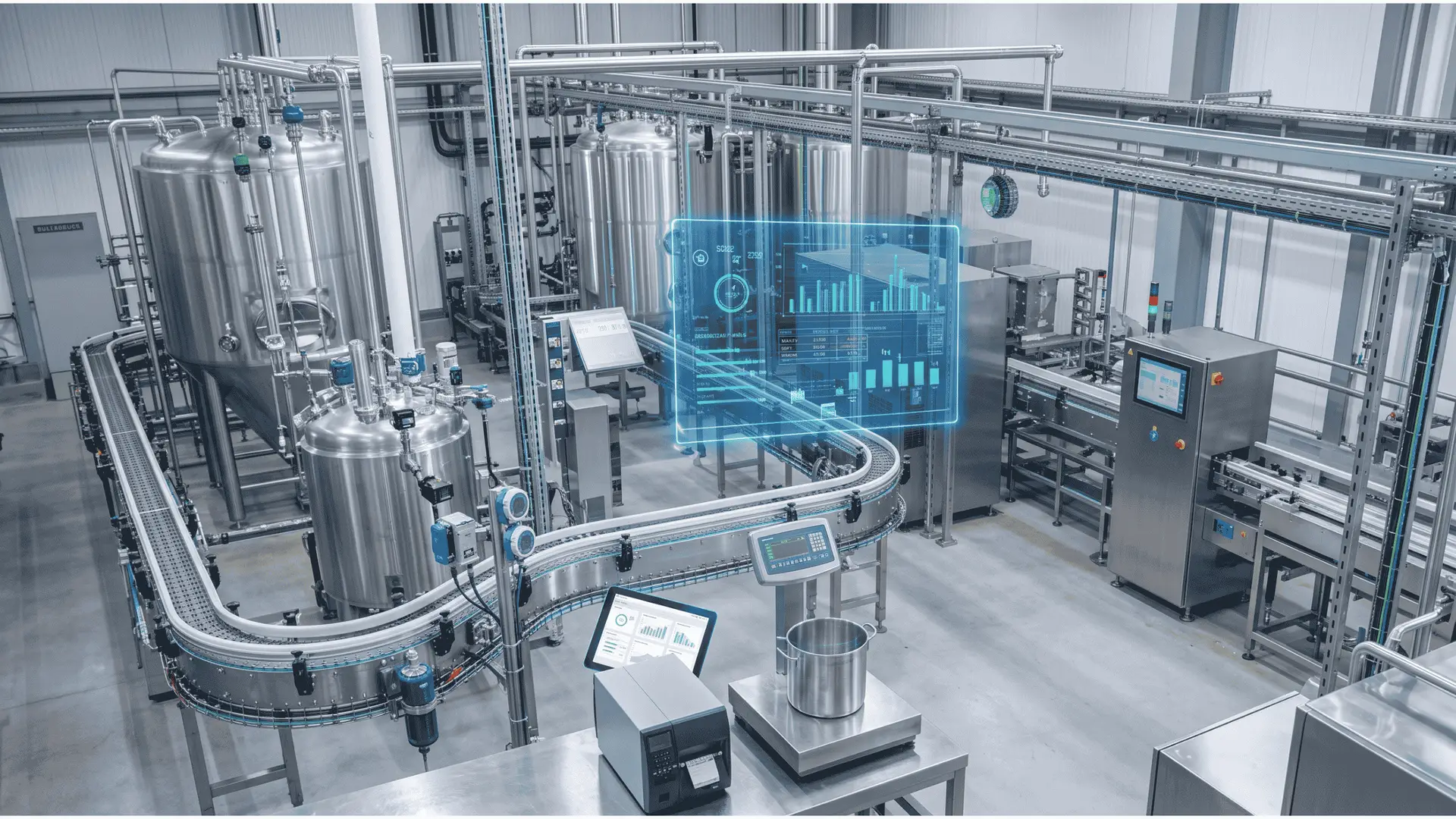
One of the core use cases in the implementation involved weighing scales on the shop floor directly into SAP DM, end to end.
- The scale’s controller exposed its weight tag over OPC UA.
- A Machine Asset was modeled in SAP DM’s asset management layer, representing the scale as a digital twin with a weight indicator and a status indicator.
- A Production Connector agent instance was configured to map that OPC UA tag to the modeled indicator — this mapping is where most of the real configuration effort goes, and where mismatches between the physical tag and the digital twin cause the most rework.
- A notification scenario was set so that the moment a stable weight reading was captured at the scale, it was pushed through the Production Connector, across the Cloud Connector tunnel, into the running production order in SAP DM.
- SAP DM validated the reading against the batch’s tolerance, and — through the CPI flows described below — the confirmed weight flowed into the S/4HANA production order and batch record.
Weighing is a routine, easy-to-overlook step in a process industry — but it is also one of the most error-prone when done manually. This is a good example of what Industry 4.0 practically means: not a dramatic robotic overhaul, but a reliable, tag-level link between a physical device and a digital twin, so the data captured on the floor becomes data the business can act on without an operator re-typing a number into a screen.
Automating Shop Floor Label Printing with SAP DM
Operators often have to manage multiple systems, formats, and reprints during a shift. As part of the same implementation, label printing was simplified within SAP DM’s Production Operator Dashboard (POD), so labels could be generated directly from the production process — tied to the batch, the handling unit (HU), and the order — instead of being managed as a separate, manual step:
- The handling unit is created or updated in SAP DM as material is packed or completed.
- A print service call is triggered from the production process (or by an operator action in the POD), carrying the HU number, batch, and order context as parameters.
- The label layout is rendered and sent to the shop floor printer queue, so the physical label matches exactly what SAP DM and, downstream, S/4HANA have recorded for that handling unit.
It is a small change with an outsized effect on shop floor speed and accuracy — no separate label system to keep in sync, and no gap between what is printed and what is recorded.
SAP Cloud Integration (CPI): Keeping SAP DM and S/4HANA in Sync
If connectors bring shop floor data in, SAP Cloud Integration (CPI) iFlows are what keep the business data moving in the background, on the Level 3–4 side of the architecture. Several CPI flows were built to automate services between S/4HANA and SAP DM, including:
- BOM tolerance updates
- Handling unit data
- Packing data
- Batch correction data
Each of these iFlows follows a similar technical pattern: an event or scheduled trigger on one side, an adapter (typically OData or SOAP for S/4HANA, and REST for SAP DM) that retrieves or pushes the payload, a mapping step that reconciles field-level differences between the two systems’ data models, and error handling that routes failed messages to a monitoring queue rather than letting them disappear silently.
Each of these processes used to depend on manual checks or updates between systems. Automating them through CPI meant that when something changed in S/4HANA, SAP DM had the correct data without someone manually reconciling it — and vice versa. This is the less visible side of Industry 4.0: the automation that lets data flow correctly, consistently, and without waiting on a person to move it by hand.
Detecting Deviations in Near Real Time
An alert service was also configured in SAP DM to flag deviations as they occurred,rather than after the fact. Functionally, this used the same notification pattern as the weighing scale integration: a tag or process value crossing a defined tolerance triggers an event inside SAP DM, which is routed to the relevant role or team through the platform’s alerting configuration, instead of surfacing only in a shift-end or weekly review.
Instead of discovering a deviation during a review days later, the relevant team could be notified as it happened — closer to the point where it could still be addressed. That shift, from reactive to near real-time, is one of the clearest business cases for connected manufacturing.
“The moment a weighing scale, a label printer, and a batch correction flow all speak the same language as S/4HANA, the shop floor stops being a black box for the business — and starts being a source of decisions.”
What Connected Manufacturing Looks Like in Practice
It is one thing to read this as an architecture diagram; its practical value becomes clearer when these integrations operate together on the production line. In a process-industry environment, operators work alongside weighing scales, mixers, label printers, and production systems, where additional manual data-entry steps can directly affect the flow of work.
When material is loaded, the scale reading can appear on the SAP DM POD screen within seconds of settling — without requiring a separate keypad entry or weighing slip. When the batch is ready, the operator can generate the handling unit label at the station, carrying the correct batch and order number. At the same time, deviation alerts can reach floor supervisors close to the point of occurrence rather than waiting for a shift-end report.
The operational value is in making the technology part of the production process rather than an additional task for the operator. Fewer manual system interactions and more immediate access to production information allow operators and supervisors to focus more directly on the process itself. This is an important measure of an effective Industry 4.0 implementation — not simply whether the architecture is connected, but whether that connectivity improves how work is performed on the shop floor.
The Practical Challenges in SAP DM Adoption
SAP DM implementations also come with practical integration and adoption challenges. A few techno functional considerations worth addressing when starting a similar SAP DM journey:
- Shop floor equipment like weighing scales isn’t always designed to be “connected” out of the box, so the right combination of connectors — Production Connector and Cloud Connector — has to be planned carefully, including which protocol adapter (OPC UA, MQTT, IP21, PI AF) actually matches the equipment in place.
- Tag-to-indicator mapping between the physical machine and the Machine Asset digital twin is unforgiving — a mismatch on either side breaks the automation silently, and it is usually the OT and integration teams together, not either alone, who catch it.
- Certificate and JWT-based authentication between the Production Connector, Cloud Connector, and SAP DM needs to be planned with the plant’s security team early; self-signed certificates that work in a sandbox are not what you want running a live production line.
- Building and testing CPI flows for multiple services takes iteration — each integration point needs validation against real production scenarios and real S/4HANA data, not just test payloads.
- Getting operators comfortable with an automated label process or a real-time alert, instead of the manual routine they know, takes change management as much as it takes technology —effective adoption typically requires adjustment, training, and change management before the process becomes seamless for operators
These aren’t reasons to avoid SAP DM — they’re simply the groundwork behind any Industry 4.0 initiative that claims to be “connected.
Operational Impact of Connected Manufacturing
Even without a single headline metric, the direction of impact from this kind of implementation is consistent:
- Manual data entry drops wherever a Production Connector integration replaces a re-typed reading, as with the weighing scale.
- Label printing becomes faster and more accurate once it’s generated directly from the production process instead of handled as a separate step.
- Data accuracy across BOM tolerances, handling units, packing, and batch corrections improves once CPI flows remove manual reconciliation between S/4HANA and SAP DM.
- Response time to deviations shortens once alerts are raised in near real time instead of during a later review.
Together, these translate into the outcome every Industry 4.0 initiative is really chasing: a shop floor that reports what is actually happening, fast enough for someone to do something about it.
Where to Start with Industry 4.0 and SAP Digital Manufacturing
Where to Start with Industry 4.0 and SAP Digital Manufacturing
A practical approach to Industry 4.0 with SAP Digital Manufacturing is to start not with the most ambitious use case, but with the small, unglamorous connections — a scale, a label, a data flow between two systems, an alert that reaches the right person in time. Get the Production Connector and Cloud Connector foundation right first, and the bigger picture of a connected, data-driven shop floor follows.
Ready to move from connected use cases to a scalable digital manufacturing roadmap?
Körber Stellium SAP DM experts can help you assess your current setup, identify integration opportunities, and plan the right next steps with SAP Digital Manufacturing.